How Do I Register for Electronic Invoicing (Factura Electronica) in Costa Rica?
Dealing with bureaucracy in a new country like Costa Rica is never a walk in the park, and the world of taxes, especially something as modern as electronic invoicing, can feel like navigating a maze blindfolded. Many expats, whether they're setting up a small business, freelancing, or working as independent contractors, find themselves scratching their heads when Hacienda requires them to issue factura electrónica. This guide will walk you through the often-confusing process of registering for electronic invoicing in Costa Rica, helping you understand each step, avoid common pitfalls, and confidently comply with Hacienda's essential requirements.
Understanding Factura Electrónica in Costa Rica: Why It Matters
Let's cut right to it: factura electrónica isn't just a fancy digital receipt. In Costa Rica, it's a legally mandated, integral part of the tax system, designed by the Dirección General de Tributación (Hacienda) to enhance transparency, improve tax collection, and modernize the way businesses and individuals report their sales and services. For us expats, understanding and implementing this system is non-negotiable if you plan to earn income here.
Think of factura electrónica as an electronic document with legal and fiscal validity, replacing the old paper invoices we're all used to. Every time you sell a product or provide a service, instead of handing over a printed receipt, you're expected to generate this electronic document through an authorized system. This document is then automatically sent to Hacienda, giving them real-time oversight of transactions. It sounds a bit Big Brother-ish, but it's the reality of doing business in Costa Rica. Many expats initially struggle with this, especially if their home countries have less stringent or different digital tax requirements. I remember the frustration when I first realized my traditional invoicing methods wouldn't cut it here; it felt like adding another layer of complexity to an already complex move.
Who Needs to Register for Electronic Invoicing?
This is a crucial point that often catches new expats off guard. The short answer is: almost anyone generating taxable income from sales of goods or services in Costa Rica. This includes:
- Self-employed individuals (Profesionales Liberales): Doctors, lawyers, accountants, consultants, designers, English teachers giving private lessons – if you're offering your professional services, you need to issue facturas electrónicas.
- Freelancers and independent contractors: Whether you're working for local clients or even some international ones (depending on the service and its consumption location), if you're registered with Hacienda, you'll likely need to issue these.
- Small businesses and corporations: From a tiny souvenir shop in Tamarindo to a burgeoning tech startup in San José, any entity selling goods or services subject to VAT (IVA) must comply.
- Rentistas and others renting property: If you're renting out a house or apartment, especially on a long-term basis, you're usually required to issue electronic invoices for that rental income.
The threshold for needing to register isn't high; if you're earning income from economic activities, Hacienda expects you to be part of the system. Failing to comply can lead to hefty fines and a whole lot of administrative headaches. It’s not a pleasant conversation to have with Hacienda, believe me. This often goes hand-in-hand with understanding how to pay tax as a self-employed worker in Costa Rica, which is a common path for many expats. You also need to consider How to Register as Self-Employed with the Caja and Hacienda in Costa Rica as it links to your overall legal and fiscal status.
The Benefits and Challenges for Expats
While the initial hurdle of setting up factura electrónica can be daunting, there are genuine benefits. For one, it streamlines your own record-keeping. No more stacks of paper receipts or trying to decipher faded ink! All your invoices are stored digitally, making it easier to track your sales, calculate your VAT (IVA) obligations, and prepare for your annual income tax return. This also makes life simpler if you ever need to claim a tax refund from Hacienda in Costa Rica.
However, the challenges for expats are real. The system is entirely in Spanish, and the Hacienda ATV portal, while functional, isn't always the most intuitive. The terminology can be confusing, and understanding the specific tax codes for your goods or services can feel like learning a new language within a new language. Furthermore, choosing the right software provider (more on that later) adds another layer of decision-making. You'll also need to consider How Do I Register My Freelance Income for Tax in Costa Rica?, as the electronic invoicing system is the primary mechanism for doing so.
Getting Ready: The Prerequisites Before You Register
Before you can even think about issuing your first electronic invoice, there are several foundational steps you absolutely must complete. Skipping any of these will bring your factura electrónica journey to a grinding halt. Trust me, I’ve seen countless expats get stuck here, so let's walk through these systematically.
Obtaining Your Tax ID and Registering with Hacienda
Your journey begins with officially identifying yourself to the Costa Rican tax authorities. This means getting your Tax ID, which for foreigners is often referred to as a NITE (Número de Identificación Tributaria Especial) if you're just starting, or simply using your DIMEX (Residency ID) number once you have it. You cannot even begin to contemplate factura electrónica without this. If you haven't done this yet, you'll need to learn How to Register with Hacienda and Get a Tax ID in Costa Rica.
Once you have your Tax ID, you need to register as a taxpayer with Hacienda. This is done through their online portal, known as the ATV (Administración Tributaria Virtual). This portal is your gateway to almost all tax-related activities in Costa Rica, from filing your declarations to managing your electronic invoicing. If you’re feeling lost, remember there's a detailed guide on Understanding the ATV (Hacienda's Online Tax Portal) in Costa Rica. Once you're registered, you'll need to ensure your economic activity is correctly listed. This is crucial because your factura electrónica system needs to know what you're selling or doing to apply the correct VAT rates and classifications. It's not uncommon for expats to consult with an accountant (contador público) at this stage to ensure everything is set up correctly from the start. Services like Taxes for Expats can often provide guidance or connect you with local professionals who understand the nuances for foreigners.
Securing Your Digital Signature (Firma Digital)
This is another critical piece of the puzzle, and often the most bureaucratic. A firma digital (digital signature) is an electronic certificate that verifies your identity and ensures the authenticity and integrity of your electronic invoices. It's essentially your digital stamp of approval, and Hacienda requires it for you to legally issue facturas electrónicas.
To get one, you'll typically need to visit a certified entity. The most common one is the Banco Central de Costa Rica (BCCR) or one of its authorized agents, such as certain public banks like Banco Nacional or Banco de Costa Rica. You'll need your valid DIMEX (residency card) or other approved identification, and you'll go through an application process that can involve fingerprints and a photo. Once issued, your firma digital is usually stored on a special USB token that you plug into your computer. It sounds high-tech, and it is, but it's also a common point of frustration due to appointment availability and language barriers. Plan ahead for this step, as it can take some time to secure an appointment and process the certificate. This digital signature is also essential for officially filing your Annual Income Tax Return (Declaracion) in Costa Rica.
Choosing Your Electronic Invoicing Software/Provider
With your Tax ID, Hacienda registration, and digital signature in hand, you're now ready to choose how you'll generate your electronic invoices. Hacienda offers a free system, but there are also many private providers. This choice depends on your volume of invoices, your technical comfort level, and your budget. We'll delve deeper into the options later, but for now, understand that you'll need to select one of these before you can proceed with the final registration steps.
The Step-by-Step Registration Process on Hacienda's ATV Portal
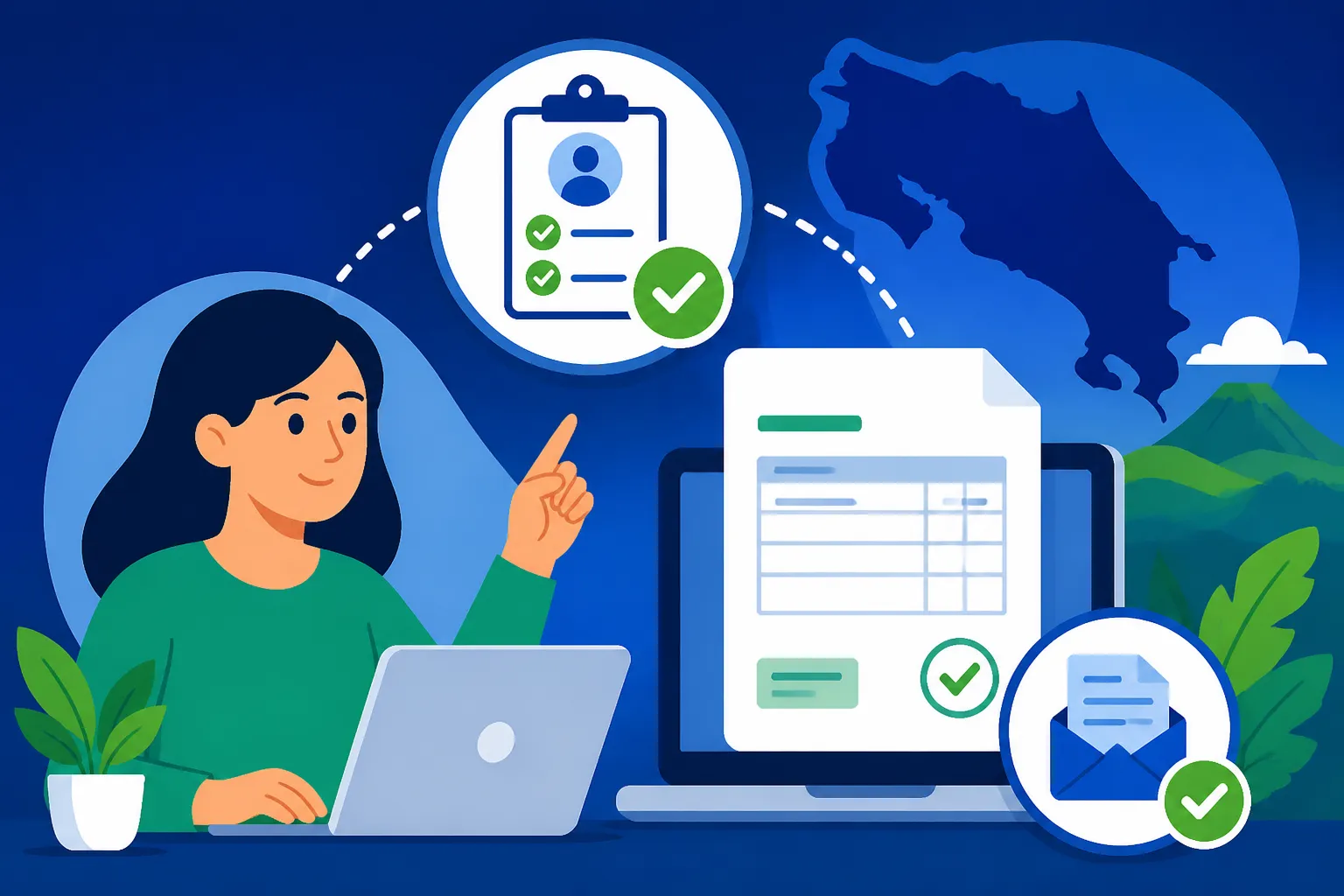
Alright, with your prerequisites sorted, it’s time to dive into the Hacienda ATV portal itself to activate factura electrónica. This is where many people get tripped up, so let's break it down into manageable steps. Remember, the interface is in Spanish, so having a translator tool or a Spanish-speaking friend nearby can be immensely helpful.
Logging In and Accessing the Electronic Invoicing Section
First things first, head to the Hacienda ATV portal. You'll log in using your Tax ID (NITE/DIMEX) and the password you created when you first registered with Hacienda.
Once logged in, you'll see a dashboard with various options. Look for a section related to "Comprobantes Electrónicos" or "Factura Electrónica." The exact menu paths can sometimes shift slightly, but generally, you'll be looking for a menu option that gives you access to the electronic invoicing configuration. This is part of the larger system of How the Costa Rican Tax Authority (Hacienda) Works for all taxpayers.
Configuring Your Profile for Electronic Invoicing
Within the electronic invoicing section, you’ll typically find options to:
- "Confirmar Emisor": This step essentially confirms that you, as the taxpayer (emisor), are indeed going to start issuing electronic invoices. It's a formal declaration to Hacienda that you're activating this service.
- "Inscripción de Proveedores": This is where you tell Hacienda which electronic invoicing software provider you will be using. If you choose Hacienda's free system, you'll select "Sistema Gratuito del Ministerio de Hacienda." If you've opted for a private provider (which many expats do for ease of use and English support), you'll select their name from a dropdown list. It's crucial that the provider you select here matches the one you actually use.
- "Asociación de Medios": This step connects your digital signature (the firma digital you obtained earlier) with your electronic invoicing process. You'll usually upload the certificate file or specify details about your firma digital to enable the system to recognize it as your authenticating key.
Be meticulous during these steps. Any incorrect selection or missed detail can cause your invoices to be rejected by Hacienda, which is a headache you definitely want to avoid. You are essentially telling Hacienda, "This is me, this is the tool I'm using, and this is how I'll digitally sign my documents."
Testing the System (Ambiente de Pruebas)
Many electronic invoicing providers, and Hacienda's system itself, offer an "ambiente de pruebas" or "sandbox" environment. This is a fantastic feature that allows you to issue mock invoices without actually sending them to Hacienda or affecting your real tax records.
Use this! It's an invaluable opportunity to:
- Practice: Get comfortable with the interface of your chosen software.
- Verify Data: Ensure your company details, tax codes (códigos de actividad económica), and any other recurring information are correctly set up.
- Troubleshoot: Catch any technical glitches or configuration errors before they impact your actual invoicing.
Imagine trying to send an urgent invoice to a client and realizing your system isn't working because you messed up a setting. The testing environment prevents this kind of panic. Once you're confident that your test invoices are being generated and validated correctly within the sandbox, you can then switch to the "ambiente de producción" (production environment) to start issuing real, legally valid invoices. This entire process forms a core part of The Complete Guide to Taxes in Costa Rica for Expats (2027).
Choosing Your Electronic Invoicing Provider: What to Look For
This decision can significantly impact your day-to-day experience with factura electrónica. You essentially have two main paths: Hacienda's free system or a private, paid provider. Each has its pros and cons, and what works for one expat might not work for another.
Hacienda's Free System vs. Private Providers
Hacienda's Free System:
- Pros: It's free. For individuals or very small businesses with low invoice volume, this can be a tempting option. It's directly from the source, so you know it's fully compliant.
- Cons: It's notoriously basic. The user interface is not intuitive, there's no official English support, and it lacks many quality-of-life features that private providers offer. Technical support is minimal, and it can be frustrating if you're not fluent in Spanish or tech-savvy. Many expats find it clunky for anything beyond the simplest, infrequent invoicing.
Private Providers:
- Pros: This is where many expats find their sanity. Private providers, of which there are many in Costa Rica (like Gosocket, Difactura, eFirma CR), offer much more user-friendly interfaces, often with English language options or at least better visual cues. They usually come with robust customer support, integration with accounting software, automated recurring invoices, and often direct links to your firma digital. They are designed for efficiency and ease of use.
- Cons: They come with a monthly or annual fee. This cost varies depending on the features and the volume of invoices you expect to issue. However, for many, the time saved and the reduction in stress easily justify the expense.
When it comes to financial transactions, especially for businesses, tools like Wise can be incredibly helpful for managing international payments and ensuring funds are readily available to pay for these services or handle other business expenses, avoiding costly bank fees.
Key Features to Consider in a Private Provider
If you decide to go the private route (which I highly recommend for most expats), here's what to look for:
- User-Friendliness and Language Support: Can you navigate it easily? Is there an English interface or clear instructions? This is paramount for minimizing frustration.
- Customer Support: When things go wrong (and they sometimes do), responsive and helpful customer support (ideally in English, or at least with patient Spanish speakers) is invaluable. Check reviews or ask other expats for recommendations.
- Integration with Your Accounting: If you use accounting software, see if the provider integrates with it. This can save you hours of manual data entry.
- Automated Features: Look for features like recurring invoices, automatic sending of invoices to clients, and automated reporting.
- Security and Reliability: Ensure the provider has a strong track record for security and uptime. You don't want your invoicing system to crash when you need it most.
- Cost Structure: Understand the pricing model – is it per invoice, a monthly subscription, or tiered based on volume? Compare plans from different providers to find one that fits your budget and needs.
- Digital Signature Compatibility: Ensure the software works seamlessly with your firma digital token.
Ultimately, the goal is to choose a system that makes your life easier, not harder. A good electronic invoicing provider can turn what could be a bureaucratic nightmare into a manageable, almost invisible part of your business operations. This is especially true if you're trying to figure out How to Pay Tax as a Self-Employed Worker in Costa Rica, as this system is how you generate proof of income for tax purposes.
Here's a quick comparison of the general aspects to help you weigh your options:
| Feature | Hacienda's Free System | Private Providers (e.g., Difactura, Gosocket, eFirma CR) |
|---|---|---|
| Cost | Free | Monthly/Annual Fee (varies by plan/volume) |
| User Interface | Basic, often clunky, entirely in Spanish | User-friendly, often bilingual (Spanish/English) |
| Customer Support | Minimal, official channels only | Robust, dedicated support (often in English) |
| Features | Basic invoice generation | Recurring invoices, auto-send, accounting integration |
| Ease of Use | Steep learning curve, requires technical comfort | Designed for ease of use, less technical knowledge needed |
| Digital Signature | Integrated, but setup can be complex | Seamless integration, often with guided setup |
| Reporting | Manual extraction needed | Automated reports, easier tax reconciliation |
| Compliance Updates | Automatic (as it's Hacienda's own) | Promptly updated by provider |
| Suitable For | Very low volume, high Spanish fluency, budget-conscious | Any business, prefers convenience, values support |
Understanding Costa Rica's Territorial Taxation of Foreign Income and how electronic invoicing plays into reporting that local income is also vital. While Costa Rica has a territorial tax system, accurate local invoicing is key for any income generated within its borders, even if you're also dealing with foreign income. This system helps keep everything above board, especially when you consider that Do I Have to Pay Into the Caja If I'm Self-Employed in Costa Rica? is another crucial compliance step for most working residents.
Remember, getting set up with factura electrónica might seem like climbing Mount Chirripó blindfolded at first, but with a clear roadmap and the right tools, you'll reach the summit. And once you're there, the view of seamless, compliant business operations in Costa Rica is pretty sweet!
Disclaimer
The information provided in this guide is for general informational purposes only and does not constitute legal, tax, or financial advice. While we strive to keep the information up-to-date and accurate, tax laws and administrative procedures in Costa Rica can change frequently. Expats are strongly advised to consult with a qualified Costa Rican accountant (contador público) or legal professional for advice tailored to their specific situation. We are not responsible for any actions taken based on the information presented here.